DePIN
io.net GPU Worker Guide: How to Supply AI Compute and Run Worker Nodes
Master io.net GPU Worker node setup: hardware requirements, Docker configuration, Proof of Compute benchmarks, and clustering GPUs for decentralized AI workloads.
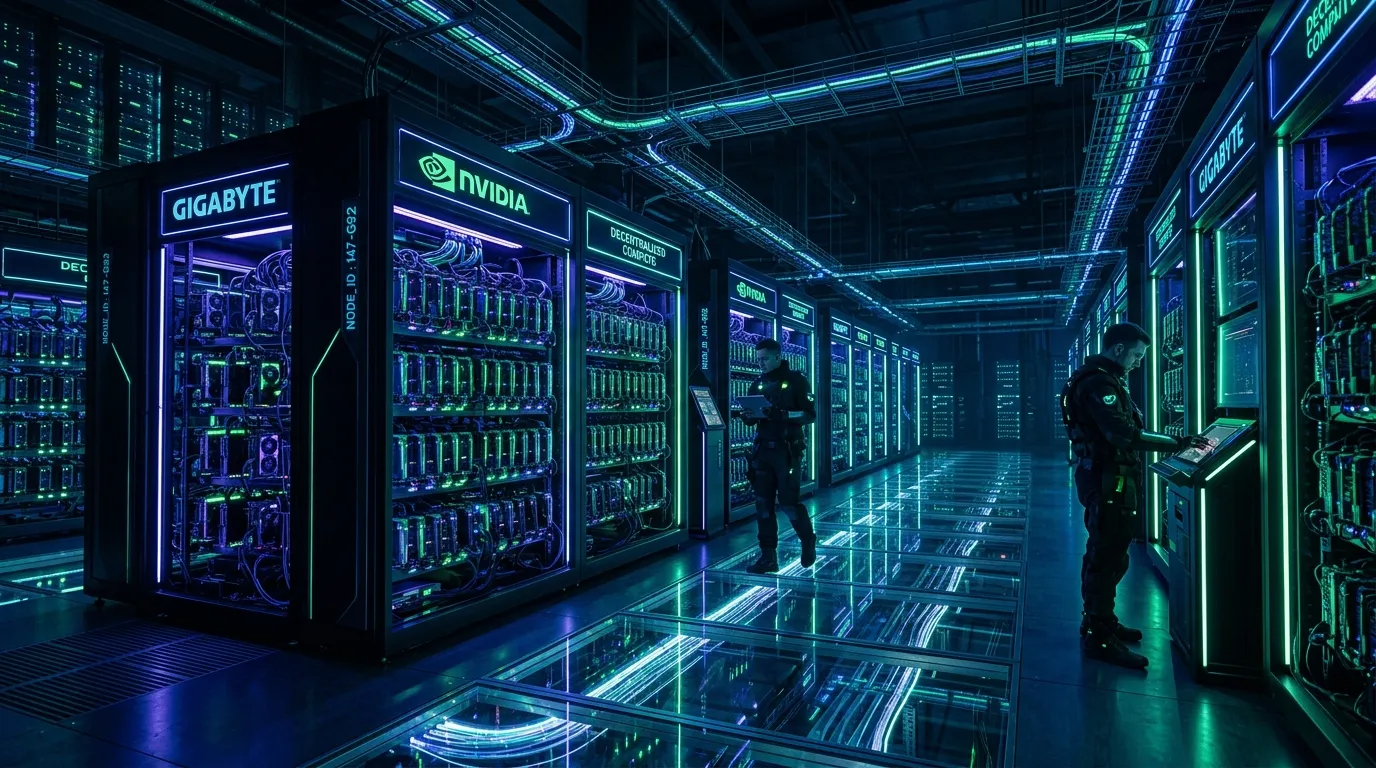
The explosion of generative AI models, large language model (LLM) fine-tuning, and diffusion pipelines has triggered an unprecedented global shortage of high-performance GPUs. Traditional hyperscalers like AWS and Azure frequently subject AI startups to multi-month waitlists and premium on-demand pricing. io.net directly challenges this bottleneck by building a decentralized physical infrastructure network (DePIN) that aggregates underutilized GPUs from independent data centers, crypto miners, and enterprise hardware farms into coordinated machine learning clusters.
Operating as an IO Worker allows hardware owners to monetize idle compute capacity. Unlike simple proof-of-work mining that burns electricity on arbitrary hashing, io.net workers execute genuine artificial intelligence training, inference, and fine-tuning jobs.
In this comprehensive technical manual, we break down how io.net coordinates distributed compute through the Ray framework, outline exact hardware requirements, and provide step-by-step instructions to deploy and secure your IO Worker node.
Before setting up high-performance GPU nodes, review our analysis of decentralized AI compute trends and our comparison of the best DePIN infrastructure projects.
Architectural Overview: How io.net Clusters Distributed GPUs
Clustering GPUs across disparate geographical locations has historically been considered impractical due to network latency and inter-node synchronization bottlenecks. io.net solves this problem by integrating with Ray, an open-source distributed computing framework originally developed by UC Berkeley’s RISELab and utilized by OpenAI for distributed model training.
+-----------------------------------------------------------------------+
|                    io.net Distributed Orchestration                   |
+-----------------------------------------------------------------------+
|  1. IO Cloud Portal    -> Tenant configures PyTorch/vLLM cluster      |
|  2. Ray Core Engine    -> Dynamic scheduling across low-latency nodes |
|  3. IO Worker Daemon   -> Docker containers executing tasks on GPUs   |
|  4. Proof of Compute   -> Automated telemetry, VRAM speed & bandwidth |
+-----------------------------------------------------------------------+
The Three Pillars of the Network
- IO Cloud: The consumer-facing orchestration interface where ML engineers launch on-demand clusters running PyTorch, TensorFlow, vLLM, or custom Docker images.
- IO Worker: The host client daemon that runs on provider hardware, exposing GPU compute, monitoring thermal metrics, and relaying job status back to the coordinator.
- IO ID & Proof of Compute (PoC): A continuous verification system that benchmarks GPU model identity, memory bandwidth, tensor core throughput, and packet latency to eliminate spoofed devices.
Hardware Sizing & Recommended Specifications
Not all GPUs are created equal in machine learning ecosystems. While high-end consumer gaming cards (such as NVIDIA RTX 3080/4090) perform well for inference and smaller fine-tuning tasks, data center hardware commands the highest rental demand and uptime compensation.
| Hardware Tier | Recommended GPUs | Target Workloads | Minimum RAM / Storage |
|---|---|---|---|
| Enterprise AI | NVIDIA H100, A100 (80GB), L40S | Foundation model training, large LLM fine-tuning | 128 GB RAM, 2TB NVMe PCIe 4.0 |
| Mid-Tier Data Center | NVIDIA RTX 6000 Ada, A6000, A5000 | LoRA tuning, high-throughput inference | 64 GB RAM, 1TB NVMe PCIe 4.0 |
| Consumer High-End | NVIDIA RTX 4090, RTX 3090 (24GB) | 7B-70B quant inference, Stable Diffusion | 32 GB RAM, 500GB NVMe SSD |
| Apple Silicon | M2 Max/Ultra, M3 Max, M4 Pro | Unified memory inference (Metal Performance Shaders) | 64 GB+ Unified Memory |
Critical Host Prerequisites
- Operating System: Ubuntu 22.04 LTS (recommended for maximum stability) or macOS 14+ for Apple Silicon.
- NVIDIA Drivers: Version 535.xx or newer with CUDA 12.2+ toolkits.
- Docker Engine: Docker CE with
nvidia-container-toolkitenabled to pass GPU instances into containers. - Network Bandwidth: Minimum 100 Mbps symmetric fiber with an open public IP or UPnP/NAT configuration. 1 Gbps symmetric is strongly recommended for high-tier workers.
Step-by-Step Installation: Deploying an IO Worker on Ubuntu 22.04
Step 1: System Package Update and Driver Verification
Ensure your operating system is up to date and verify that your NVIDIA drivers are functioning correctly:
sudo apt update && sudo apt upgrade -y
nvidia-smi
The output should display your GPU model, driver version, and CUDA version. If drivers are absent, install the headless server driver:
sudo apt install -y nvidia-driver-535-server nvidia-utils-535-server
sudo reboot
Step 2: Install Docker and NVIDIA Container Toolkit
The IO Worker runs isolated container workloads. Configure the NVIDIA Container Toolkit to bridge hardware access to Docker:
# Add NVIDIA Container Toolkit repository
distribution=$(. /etc/os-release;echo $ID$VERSION_ID) \
  && curl -fsSL https://nvidia.github.io/libnvidia-container/gpgkey | sudo gpg --dearmor -o /usr/share/keyrings/nvidia-container-toolkit-keyring.gpg \
  && curl -s -L https://nvidia.github.io/libnvidia-container/$distribution/libnvidia-container.list | \
    sed 's#deb https://#deb [signed-by=/usr/share/keyrings/nvidia-container-toolkit-keyring.gpg] https://#g' | \
    sudo tee /etc/apt/sources.list.d/nvidia-container-toolkit.list

sudo apt update
sudo apt install -y docker.io nvidia-container-toolkit
sudo nvidia-ctk runtime configure --runtime=docker
sudo systemctl restart docker
Validate GPU pass-through inside a throwaway container:
sudo docker run --rm --gpus all nvidia/cuda:12.2.0-base-ubuntu22.04 nvidia-smiStep 3: Register Your Device on IO Cloud
- Navigate to the official io.net portal and connect your Web3 wallet (e.g., Phantom or Solana-compatible wallet).
- Go to the Worker section and select Connect New Device.
- Select Linux, specify your device name, and choose IO-Worker as the client.
- The dashboard will generate a customized binary launch command containing your unique
user_idanddevice_id.
# Example Launch Command (run with root privileges)
curl -L https://github.com/ionet-official/io-launch/releases/latest/download/io-worker-linux -o io-worker-linux
chmod +x io-worker-linux
sudo ./io-worker-linux --device_id="YOUR_DEVICE_ID" --user_id="YOUR_USER_ID" --operating_system="linux"
Step 4: Complete the Proof of Compute Benchmark
Once launched, the daemon pulls the requisite Docker images (including io-worker-monitor and io-launch-agent). During initial onboarding:
- The network executes a Proof of Compute benchmark, validating VRAM capacity, read/write bandwidth, and FP16/BF16 matrix multiplication speeds.
- Your node transitions from Registering to Idle / Ready.
- When an engineer schedules an AI cluster matching your hardware profile, your worker automatically receives the job container, initiates computation, and streams telemetry metrics.
Operator Economics: Maximizing Uptime and Rewards
IO Worker revenue is governed by three primary variables:
- Hardware Tier Multiplier: Higher VRAM enterprise cards (H100, A100, L40S) capture higher hourly rental rates than consumer cards.
- Cluster Availability (Uptime Score): Nodes maintaining >99.5% continuous network availability receive higher allocation priority from the Ray cluster scheduler.
- Availability Rewards vs. Rental Rewards:
- Availability Rewards: Workers earn baseline network emissions simply for being online, passing periodic PoC challenges, and maintaining standby readiness.
- Rental Rewards: When an active client leases your compute via IO Cloud, you earn direct rental fees paid in IO or supported stablecoins.
Frequently Asked Questions
Can I run multiple GPUs on a single host machine?
Yes. io.net natively detects multi-GPU topologies. A 4x RTX 4090 or 8x A100 server is automatically treated as a unified high-capacity worker node, making it especially appealing for larger batch-size training jobs.
What happens if my home internet experiences an outage?
If a worker disconnects during an active client job, the job is automatically rescheduled to another node in the cluster. Frequent disconnects lower your operator reputation score and can result in temporary suspension from high-tier rental pools.
Does running io.net damage my hardware?
Computing AI workloads is computationally intensive and operates similarly to standard 3D rendering or scientific simulation. As long as your power supply units (PSU) and cooling infrastructure are adequate, hardware degradation remains within standard enterprise limits.
Summary & Next Steps
The convergence of AI demand and decentralized physical infrastructure provides sustainable yield opportunities for hardware operators. By supplying real-world compute rather than speculative hashing power, io.net bridges Web3 incentives with the global artificial intelligence boom.
To deepen your understanding of decentralized networks, explore our deep dive on Akash Network decentralized cloud computing and our tutorial on running decentralized RPC nodes.