DePIN
Render Network Node Operator Guide: Decentralized GPU Rendering Setup
Complete guide to operating Render Network GPU nodes: configure OctaneBench performance tiers, setup RNP client pipelines, and monetize decentralized 3D rendering.
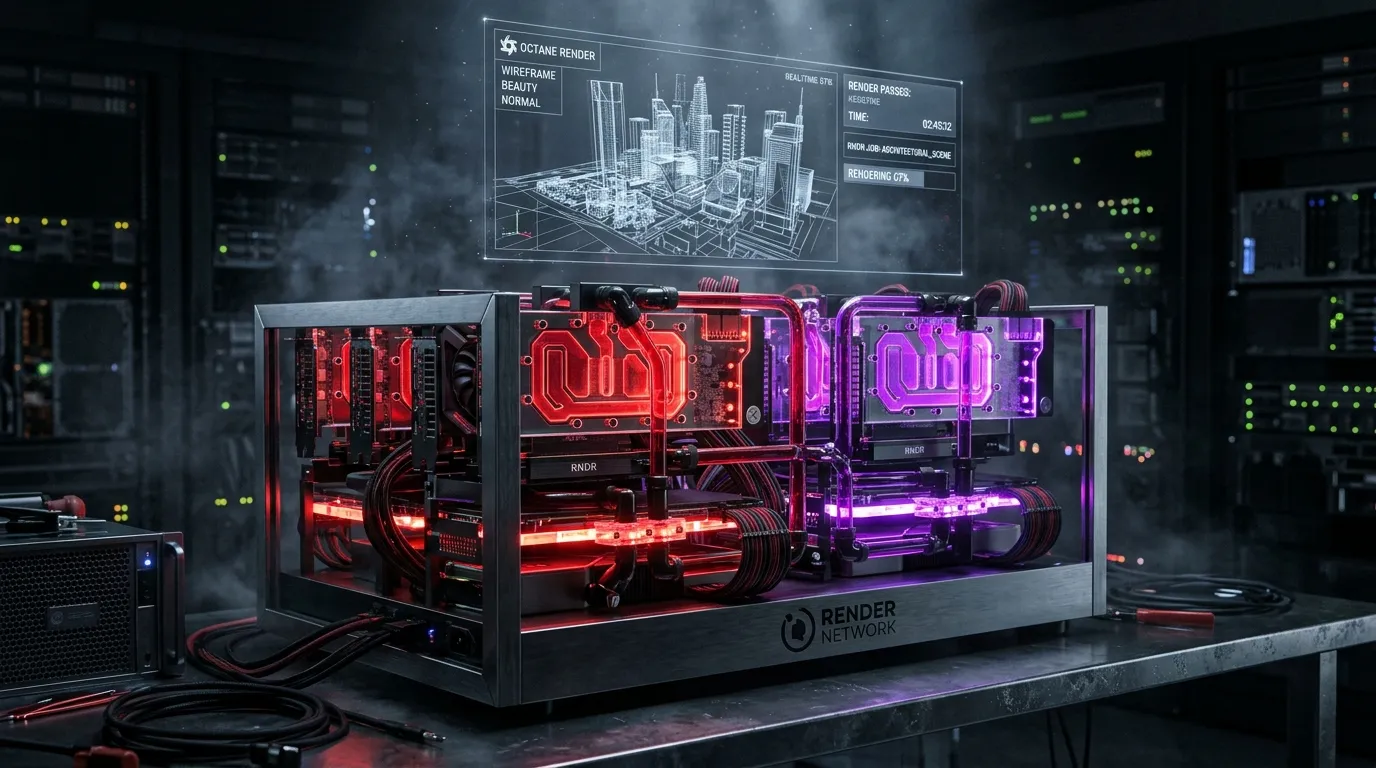
Centralized cloud computing monopolies (such as AWS EC2, Google Cloud Platform, and Microsoft Azure) charge substantial premiums for high-end graphics processing units. At the same time, millions of consumer and professional GPUs sit idle in gaming workstations, VFX rendering studios, and decommissioned cryptocurrency mining facilities.
Render Network (RENDER) transforms this compute inefficiency by constructing a global decentralized GPU compute marketplace. Powered by OTOY’s industry-standard OctaneRender engine and expanded through the Burn and Mint Equilibrium (BME) tokenomic model on Solana, Render Network matches complex 3D rendering, visual effects, and AI model workloads with distributed node operators.
In this technical operator guide, we explore the hardware architecture of Render nodes, explain the OctaneBench scoring tier hierarchy, and walk through deploying and managing a production compute node.
For complementary DePIN compute guides, read our tutorials on io.net GPU worker deployment and Akash Network decentralized cloud computing.
Architectural Framework: Burn-and-Mint Equilibrium & Multi-Tier Compute
Render Network operates a bi-directional economic layer governed by Render Network Proposals (RNPs) on Solana:
+-------------------------------------------------------------------------+
|                  Render Network Decentralized Compute Flow              |
+-------------------------------------------------------------------------+
|                                                                         |
|  [ Creators / Studios ] --- Purchase Compute Units via RENDER / Fiat   |
|            |                                                            |
|            v                                                            |
|  [ Workload Dispatcher ] --- Allocates scene meshes & shader graphs     |
|            |                                                            |
|            +-----------------------+-----------------------+            |
|            | Tier 1 (Enterprise)   | Tier 2 (Pro Workstation)| Tier 3   |
|            | (A100 / H100 / H200)  | (RTX 4090 / 3090)     | (Mining)   |
|            v                       v                       v            |
|  [ Node Operator GPU ] ---- Render execution via Octane Core headless   |
|            |                                                            |
|            v                                                            |
|  [ Cryptographic Proof of Render (Watermarked Verification) ]           |
|            |                                                            |
|            v                                                            |
|  [ RENDER Rewards Dispatched to Solana Operator Public Key ]            |
+-------------------------------------------------------------------------+
The Three Compute Tiers
Render partitions jobs and node hardware into distinct operational tiers:
- Tier 1 (Enterprise / Cloud Partners): Highly certified data centers running NVIDIA A100, H100, or Blackwell B200 accelerators. Tier 1 handles mission-critical Hollywood VFX and enterprise AI fine-tuning under strict Service Level Agreements (SLAs).
- Tier 2 (Prosumer Workstations & Studios): Independent node runners with modern high-VRAM desktop GPUs (e.g., dual NVIDIA RTX 4090, RTX 3090, or RTX 6000 Ada). These machines receive steady streams of high-complexity Octane renders and generative AI rendering tasks.
- Tier 3 (Economy Nodes): Legacy multi-GPU mining rigs (RTX 3070, RTX 3080) handling background queue rendering tasks where turnaround time is flexible.
Hardware Specifications & OctaneBench Benchmarking
Render Network calculates compensation based on OctaneBench (OB)—a standardized rendering performance metric benchmarked against an NVIDIA GeForce GTX 980 (100 OB).
| Component | Minimum Specification (Tier 3) | Recommended High-Yield Rig (Tier 2) |
|---|---|---|
| Graphics Cards (GPU) | 1x NVIDIA RTX 3070 (8GB VRAM) | 2x to 4x NVIDIA RTX 4090 (24GB VRAM) |
| Minimum OctaneBench | 300+ OB | 1,200+ to 2,500+ OB |
| System Memory (RAM) | 32 GB DDR4 | 128 GB DDR5 ECC (Must exceed total VRAM sum) |
| Host Processor (CPU) | Intel Core i7 / AMD Ryzen 7 (8 cores) | AMD Threadripper or AMD EPYC 7002/7003 series |
| PCIe Lane Bandwidth | PCIe 3.0 x8 per slot | PCIe 4.0/5.0 x16 per slot (Prevents scene load lag) |
| Storage Capacity | 1 TB NVMe SSD (PCIe 3.0) | 2 TB – 4 TB High-End NVMe (PCIe 4.0, 7000 MB/s) |
| Power Supply Unit (PSU) | 850W Gold Rated | 1600W – 2000W Titanium/Platinum Server PSU |
| Internet Bandwidth | 100 Mbps symmetric connection | 1 Gbps symmetric fiber (Low packet loss) |
Step-by-Step Node Operator Onboarding
Operating a Render node involves registering with the Render Network Client portal and running the headless background rendering client.
Step 1: Operating System & NVIDIA Driver Preparation
Render Network clients run natively on Windows 10/11 Pro 64-bit or enterprise Linux (Ubuntu 22.04 LTS).
Ensure the latest official NVIDIA proprietary drivers and CUDA toolkit are installed:
# Verify NVIDIA GPU presence and driver versions
nvidia-smi

# Check CUDA runtime version (CUDA 12.2+ recommended)
nvcc --version
Verify your PCIe link speeds in Linux to confirm all cards operate at full lane negotiation:
sudo lspci -vv -s $(lspci | grep -i nvidia | head -n1 | awk '{print $1}') | grep -i LnkStaStep 2: Benchmark Hardware via Standalone OctaneBench
Before operator approval, benchmark your rig using the official OctaneBench suite:
- Download the latest OctaneBench executable from OTOY.
- Run the full benchmark suite across all compute cards with overclocking set to factory baseline settings.
- Record your aggregate OB score and individual card scores. A single RTX 4090 scores approximately 650 to 700 OB.
Step 3: Install the Render Network Client Daemon
Download and install the official Render Node client from the Render Foundation operator portal:
# Extract and initialize client environment
wget https://render-client-releases.s3.amazonaws.com/linux/render-node-latest.tar.gz
tar -xzf render-node-latest.tar.gz
cd render-node
chmod +x render-node-daemon
Configure your Solana settlement wallet address in config.json:
{
  "operator_name": "NodeHunt-Cluster-01",
  "wallet_address": "7xKXtg2CW87d97TXJSDpbD5jBkheTqA83TZRuJosgAsU",
  "tier_preference": "Tier2",
  "auto_accept_jobs": true,
  "max_gpu_temperature_celsius": 82,
  "telemetry_port": 9333
}
Step 4: Systemd Service Automation
Configure the headless client as an automatic systemd service to prevent manual recovery during unexpected power cuts:
# /etc/systemd/system/render-node.service
[Unit]
Description=Render Network GPU Worker Daemon
After=network-online.target
Wants=network-online.target

[Service]
User=root
WorkingDirectory=/root/render-node
ExecStart=/root/render-node/render-node-daemon --config /root/render-node/config.json
Restart=always
RestartSec=10
LimitNOFILE=65536

[Install]
WantedBy=multi-user.target
Enable and start the service:
sudo systemctl daemon-reload
sudo systemctl enable render-node
sudo systemctl start render-node
sudo journalctl -u render-node -f
Proof-of-Render and Payout Settlement
Render Network enforces strict output verification through cryptographic proof-of-render:
- Watermarked Rendering: Node operators render scenes with encrypted low-overhead visual watermarks.
- Client Validation: The creator inspects thumbnail samples and confirms frame accuracy.
- Escrow Release: Upon client confirmation, watermarks are cryptographically lifted, the creator receives final uncompressed EXR/PNG render layers, and the smart contract releases RENDER tokens directly to the node operator’s Solana wallet address.
Thermal and Power Management
Running heavy Path Tracing algorithms pushes graphics processors to sustained 100% TDP loads for hours at a time. Implement active power capping via nvidia-smi to optimize efficiency and longevity:
# Cap RTX 4090 power limit to 350W (from 450W stock) for optimal perf/watt
sudo nvidia-smi -pl 350

# Set aggressive fan curve to keep VRAM junction temperatures below 80°C
sudo nvidia-settings -a "[gpu:0]/GPUFanControlState=1" -a "[fan:0]/GPUTargetFanSpeed=85"
Operating a Render Network compute node offers steady hardware monetization for decentralized infrastructure providers who maintain reliable high-VRAM hardware and robust thermal environments.